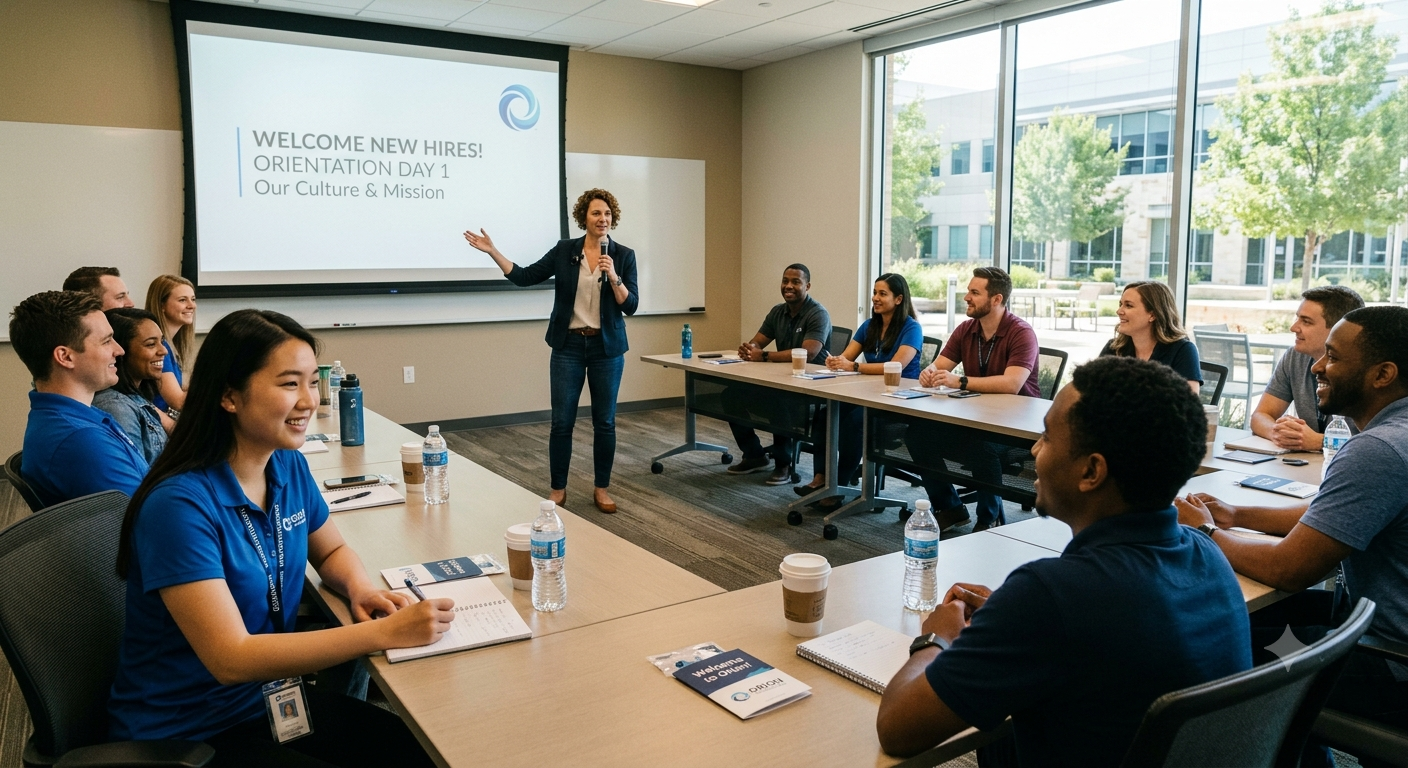
How FormJay AI Can Turn New Hire Orientation Into an Interactive Onboarding Experience
A strong new hire orientation should do more than introduce company policies. It should welcome employees, collect essential information, answer common questions, document acknowledgments, and guide each person toward the right next steps.
For many businesses, however, orientation is still spread across slide decks, PDFs, email threads, paper forms, and manager checklists. New employees may receive different information depending on their department, while HR spends valuable time sending reminders and tracking missing documents.
FormJay can bring those activities together in one interactive, AI-powered onboarding experience.
Consider a growing company that hires employees across multiple departments and locations. By combining the Presentation AI Generator, Form AI Generator, Workflow AI Generator, and AI Worker, all collectively available in the platform, the business can create a consistent orientation program that feels personal while requiring less manual coordination.
A More Engaging Welcome for Every New Hire
The company can begin with an interactive orientation presentation that introduces its culture, policies, benefits, workplace expectations, and first-week resources.
Instead of sending a static slide deck, the organization could use the Presentation AI Generator with a prompt such as:
“Create an interactive new hire orientation presentation covering our company mission, workplace culture, employee benefits, safety expectations, IT security, important policies, and what to expect during the first week.”
The presentation can bring together videos, employee handbook documents, leadership messages, office or equipment images, and custom narration.
Employees can receive the same approved information while still interacting with the experience. The presentation can pause for questions, and a connected knowledge base can help answer common questions about policies, benefits, schedules, or workplace procedures.
This gives new hires a clearer introduction to the organization and reduces the pressure on HR to repeat the same orientation session every time someone joins.
One Interactive Form Instead of Multiple Documents
After the presentation, the employee can complete a FormJay orientation form.
The form could collect contact information, emergency contacts, department details, equipment requests, benefits selections, policy acknowledgments, and other onboarding information.
The Form AI Generator could start with a prompt such as:
“Create a new hire orientation form that collects employee contact details, emergency contact information, department, equipment needs, benefits interests, required policy acknowledgments, and an e-signature. Use conditional logic to show role-specific questions.”
FormJay’s form options allow the company to shape the experience around its onboarding process. Employees can respond by voice, text, or chat, and the form can be presented in the appropriate language.
Conditional logic can make the form more relevant. A remote employee might see questions about home-office equipment, while an onsite employee receives parking or building-access questions. Managers and hourly employees could also receive different policy acknowledgments or scheduling fields.
The result is a more personalized experience without requiring HR to create and manage a separate form for every role.
Clearer Records and Fewer Missing Steps
An interactive orientation form can also help the business document important onboarding actions.
Depending on the organization’s needs, FormJay can support e-signatures, consent notices, password protection, close dates, branded PDFs, submission notifications, and customized thank-you pages.
After an employee submits the form, HR can receive an immediate notification. The employee can be redirected to an internal portal, benefits resource, scheduling page, or first-week checklist.
This helps replace disconnected paperwork with a more organized process. HR has a clearer record of what was submitted, and new hires are less likely to overlook an important acknowledgment or document.
A Connected Orientation Journey
The company can use the Workflow AI Generator to connect the presentation and form into one guided onboarding sequence.
A workflow prompt might be:
“Begin with the new hire orientation presentation, then send the employee to the orientation form. Require any necessary acknowledgments and e-signatures, notify HR when the form is submitted, and send the employee the next-step resources.”
The business can publish the workflow and give the new hire one link instead of a collection of separate instructions.
From that starting point, the employee can move through the orientation presentation, complete the form, sign required documents, and receive the appropriate follow-up information.
The workflow could also include manager approval, an equipment request, an IT notification, or additional forms for payroll and benefits.
For the employee, the process feels organized and easy to follow. For the business, it creates a repeatable orientation experience across departments and locations.
Automated First-Week Follow-Up
New hire orientation does not end when the employee submits a form. The first several days often include account setup, role-specific training, manager check-ins, and additional paperwork.
A FormJay AI Worker can monitor orientation submissions and automatically trigger the next action.
For example:
“When a new hire submits the orientation form, email their manager the onboarding checklist immediately. Send the employee their role-specific training link at 9:00 a.m. on their next workday, and send one reminder after three days if it is not completed.”
This allows the business to continue the onboarding journey without relying on HR to manually send every email.
An AI Worker could also notify IT about equipment needs, remind employees about unsigned documents, alert HR when required information is missing, or schedule the next training program.
Guardrails can help the organization maintain control by limiting reminders, requiring approval before larger email sends, or copying HR on automated messages.
A Better Experience for Employees and HR
With FormJay, the company can create a new hire orientation process that is consistent, interactive, and easier to manage.
New employees receive a clearer welcome, can ask questions during the presentation, and complete relevant onboarding information in one guided experience. HR spends less time sending links, checking paperwork, and following up on routine tasks. Managers receive timely notifications and know what they need to do next.
As the company grows, the same orientation structure can be adapted for different roles, departments, locations, and employment types without rebuilding the entire process.
The result is more than a digital form or presentation. It is a connected onboarding system that helps employees begin with greater clarity and helps the business deliver a more professional first impression.
Would you like the detailed, step-by-step setup guide? Click “Contact Us,” enter “New Hire Orientation Guide” in the message, and we’ll forward it to you.